Quick Start Guide
The original Happy CLI (Happy Coder) runs Claude Code on your computer and lets you steer it from your phone. Install the app, install the CLI, and pair them with a QR code.
Installation
Download Mobile App
- iPhone/iPad: App Store
- Android: Google Play
- Web App: app.happy.engineering
Install on Your Computer
npm install -g happy
Happy requires Node.js 20 or later.
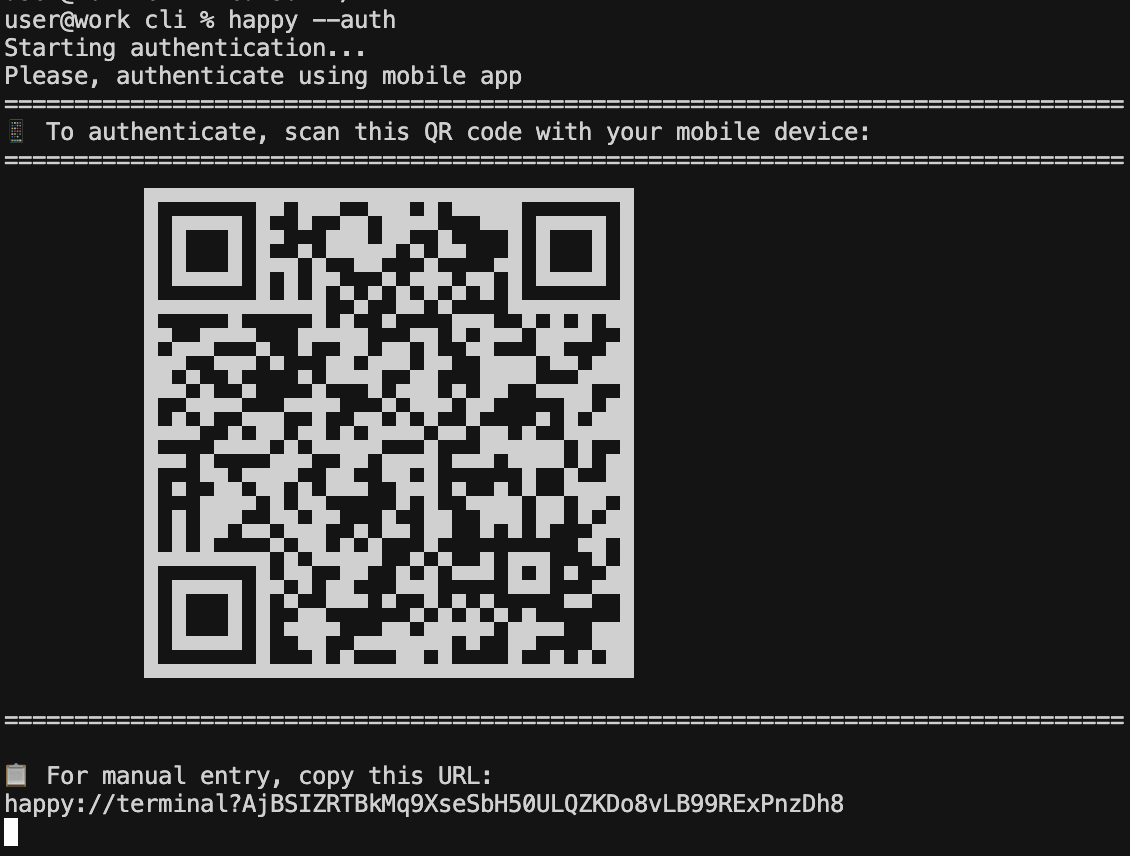
Scan the QR code with your mobile app
happy auth login # choose "Mobile App" to show a QR code
First Steps
Once you've connected your mobile app to your computer:
- Start a new conversation
- Begin coding with Claude!